KickItBack recently launched a new feature: Products — a search tool that allows you to search for general product types or specific items, and compare the savings, offers and cash-back rewards from multiple retailers. In this blog, we’ll take a closer look at the Products tool, how to use it, and its many benefits.
About
You know what you want. You know how to find it. But it’s such a pain to find the absolute best offer on that specific item. You can open up multiple tabs and perform endless Google searches in your quest for the lowest price or best cash-back reward, but that can take up a huge portion of your day and can oftentimes leave you right back where you started.
Comparison shopping is the basis for the new Products search feature at KickItBack. It allows you to search for general product types like “digital camera” or “running shoes,“ or specific items like “Canon Powershot” or “Reebok ZigFly.“ Your search return will give you every retailer that carries the item you’re looking for, and lists the price, retailer and their associated cash-back reward.
You can search using a Keyword or Exact Match to tailor your returns.
Example:
When I searched for “Converse,” KickItBack found 400 pages worth of retailers that carry Converse shoes and clothing, from Macy’s and FootLocker to Buy.com and Bloomingdale’s. The prices and cash-back rewards varied, and I was able to find the exact pair I wanted for $35 with 1.5% cash back!
How To Use Products
Using the Products search feature is as simple as any search function on KickItBack or any other Web site. All you have to do is type the item you’re looking for into the Search Box, choose the Keyword or Exact Match option, and hit the Search button.

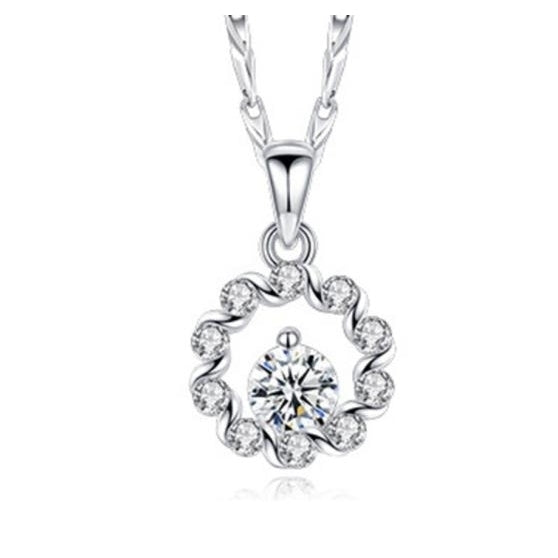
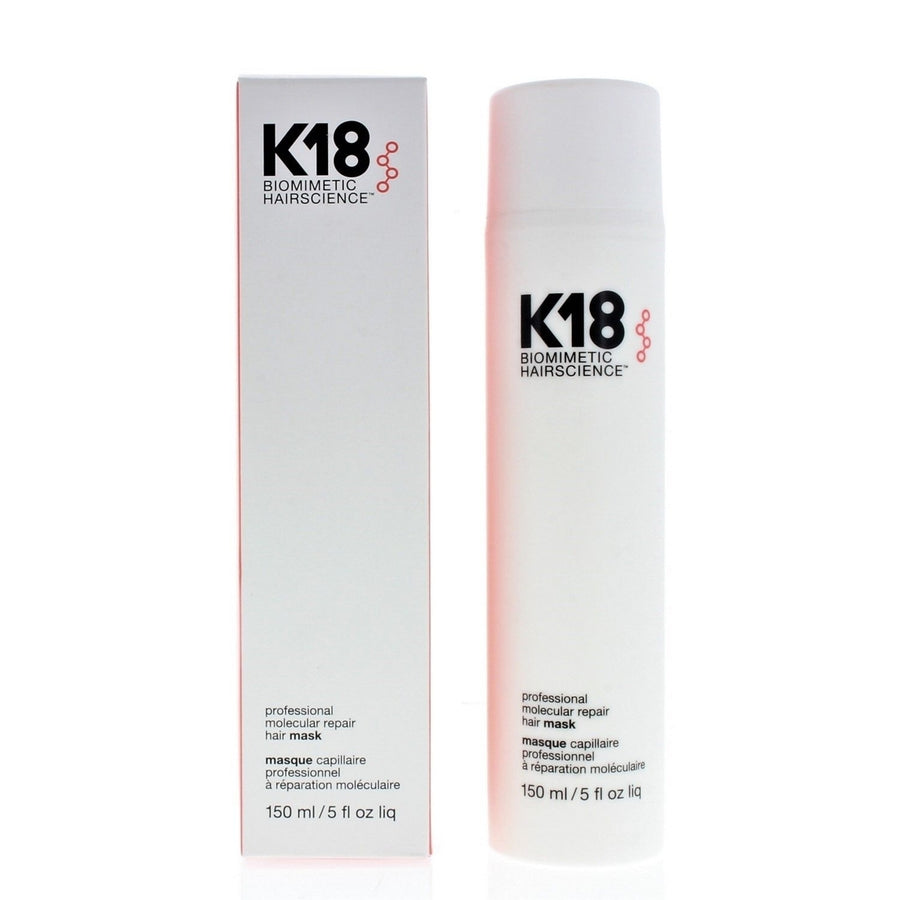
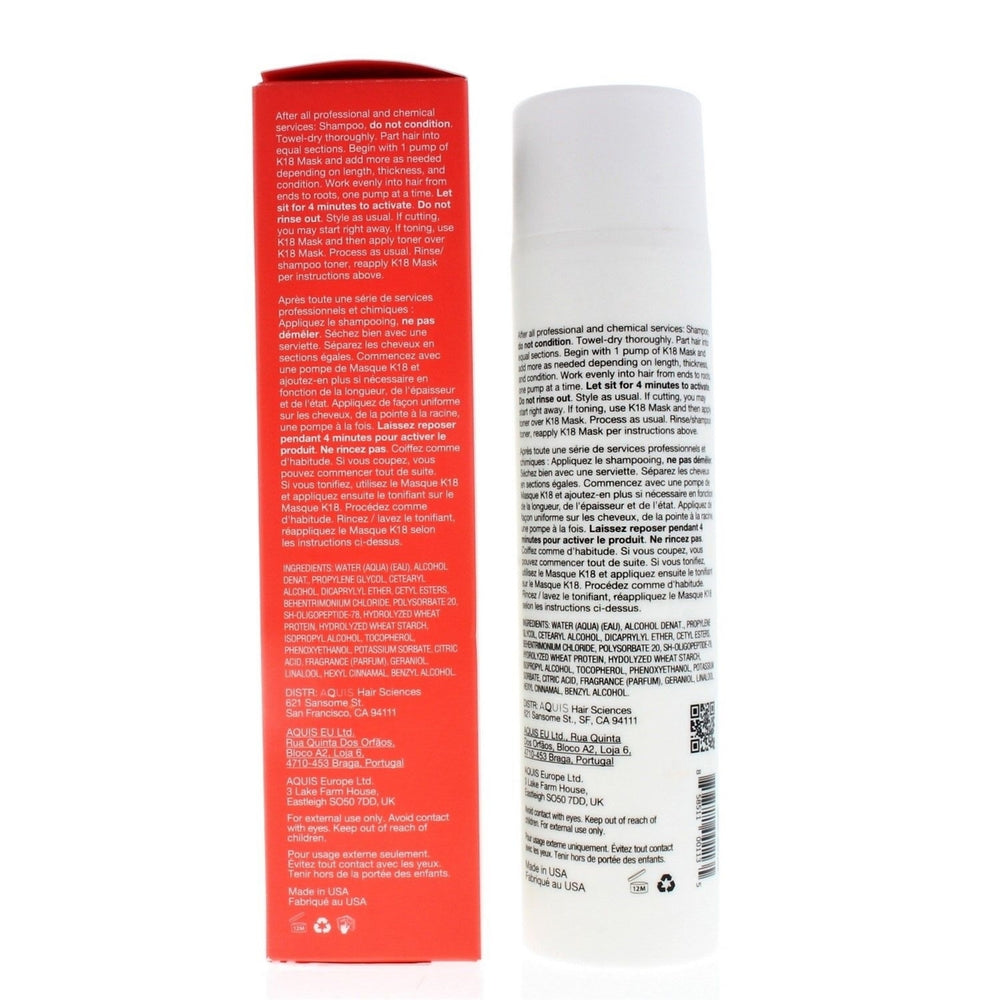
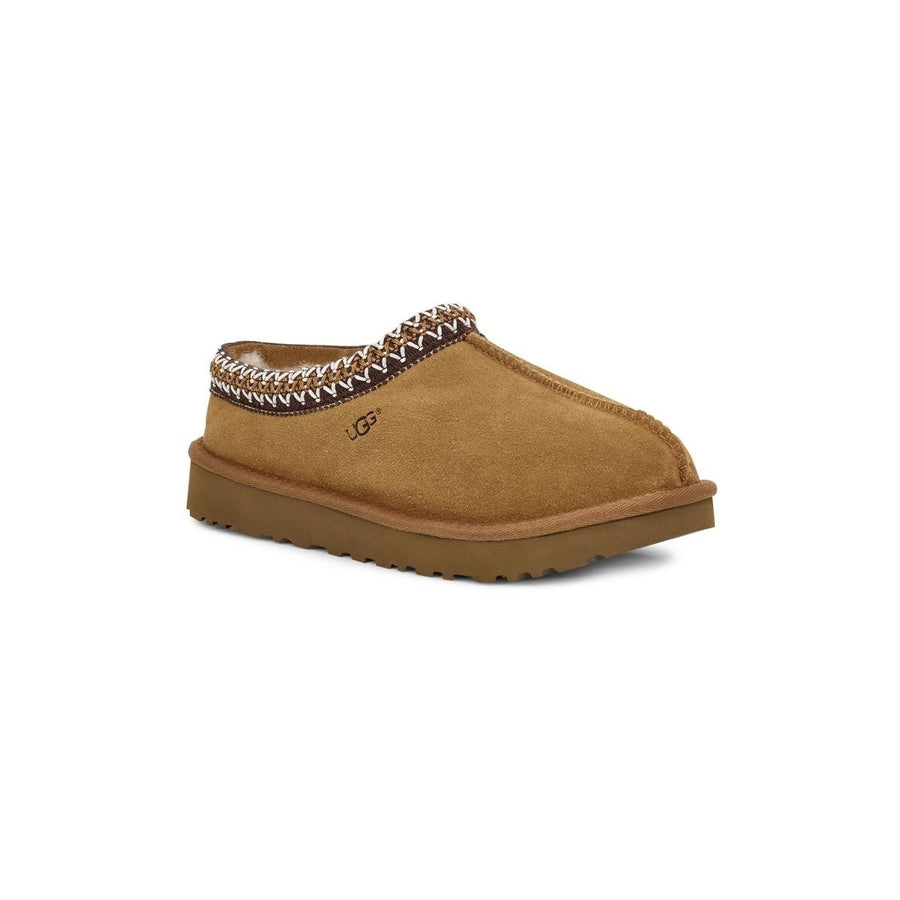
Your search return will provide you with a picture of the item, a description and the price. Underneath each listing, you’ll find the retailer and their cash-back reward. Click on the item listing and continue shopping as normal.
Benefits
Sometimes it’s nice to just window shop, to just browse the Internet shopping for anything that catches your eye. But when you know exactly what you want, it can be pretty overwhelming to find the best deal on the entire Internet!
The Products search allows you to narrow your search as much as you want so that you can easily browse through the retailers that carry exactly what you’re looking for.
Products search makes it easier to:
- Narrow your search to show only the retailers that carry the item you’re looking for
- Compare prices, offers, discounts and cash-back rewards from numerous retailers
- Save time and money with your online shopping
Head over the KickItBack to try out the Products search tool for yourself, and make sure to leave any Feedback you may have by clicking the bubble at the bottom right corner of the page!
Be sure to like us on Facebook and follow our Twitter feed for daily updates and great last-minute deals!
August 18, 2011
A couple of weeks ago, we took an in-depth look at one of KickItBack’s many features, Your Favorite Retailers. Today, we’ll explore another great way to earn cash back through KickItBack: the KickItBack referrals program.
Earning cash-back rewards is easy when you shop with KickItBack, but it’s even easier when you refer friends and family! Every time someone you referred shops online with KickItBack, you can earn a 0.5% payout based on the total purchase minus shipping, taxes and fees!
That 0.5% really starts to add up when you refer more and more people. And that’s the beauty of it all: There is no limit to the number of referrals you can give out!
Let’s take a look at the three easy ways to refer others:

Your Referral Link
Post your referral link directly to your Facebook wall and/or Twitter feed. When other people click on it and sign up for a KickItBack account, you will be given credit for the referral.
You must be logged in to access your referral link. This is the first step in earning cash back on your referrals’ purchases!
Send an Email
Send your friends and family a referral email from the KickItBack site. The recipients will find a link within the email that will take them directly to the signup page where they can create an account.
Create a Custom Link
Your custom link includes your referral ID. This link can be included in emails, on your blog, Web site, Facebook, Twitter or virtually any other form of electronic communication. Every time they click and sign up, you earn!
Remember, they have to sign up for a KickItBack account in order for you to earn cash-back rewards on their purchases.
With that in mind, give your referrals a quick description of the many benefits KickItBack offers! Direct them to our How It Works page to answer any questions they might have.
You can also have them check out the KickItBack Facebook page or our Twitter feed for daily updates on hot offers.
August 16, 2011
Recently, KickItBack introduced a great new feature: Your Favorite Retailers. Not only is it a great way to choose and organize your favorite KickItBack retailers, it’s a time-saving feature that will help you to find the deals that you want, when you want them.
In this post, we’re going to take a closer look at Your Favorite Retailers:
How to Use Your Favorite Retailers


- Next, click the Retailers link at the top of the page, or find a particular retailer by using the search bar.

- On the Retailers page, you’ll find our retailers listed in alphabetical order. The middle column is the “Favorites” column.
- In the Favorites column, you’ll see a gray star.
- Click the star to mark your favorite stores. These will automatically be saved to your account.

- Your 9 favorite retailers will appear in Your Favorite Retailers box on your Retailers page.
- You can organize your favorites by clicking the “Edit/View Favorites” link in the corner of Your Favorite Retailers box.
- Simply drag your favorites into the appropriate positions on the page, and voila! Your 9 favorites will appear in Your Favorite Retailers box!
Benefits
Organizing your favorite retailers in an easy-to-use format allows you to quickly find the retailers you love. The best part is that they’re all in one convenient place. No more searching. No more scrolling. After all, time is money!
We have some exciting plans for Your Favorite Retailers in the future, so pick your favorites now! And don’t forget to check out our Facebook and Twitter for future updates and daily deals!
August 3, 2011